
Your Subdivision
Subdividing land involves several steps and different authorities, which can feel confusing if you haven’t done it before. This page explains how your subdivision is managed online, what your responsibilities are as the property owner, and how we support you through the process. It’s designed to help you understand what’s happening, what actions you need to take, and how to keep your subdivision moving forward as smoothly as possible.
SPEAR
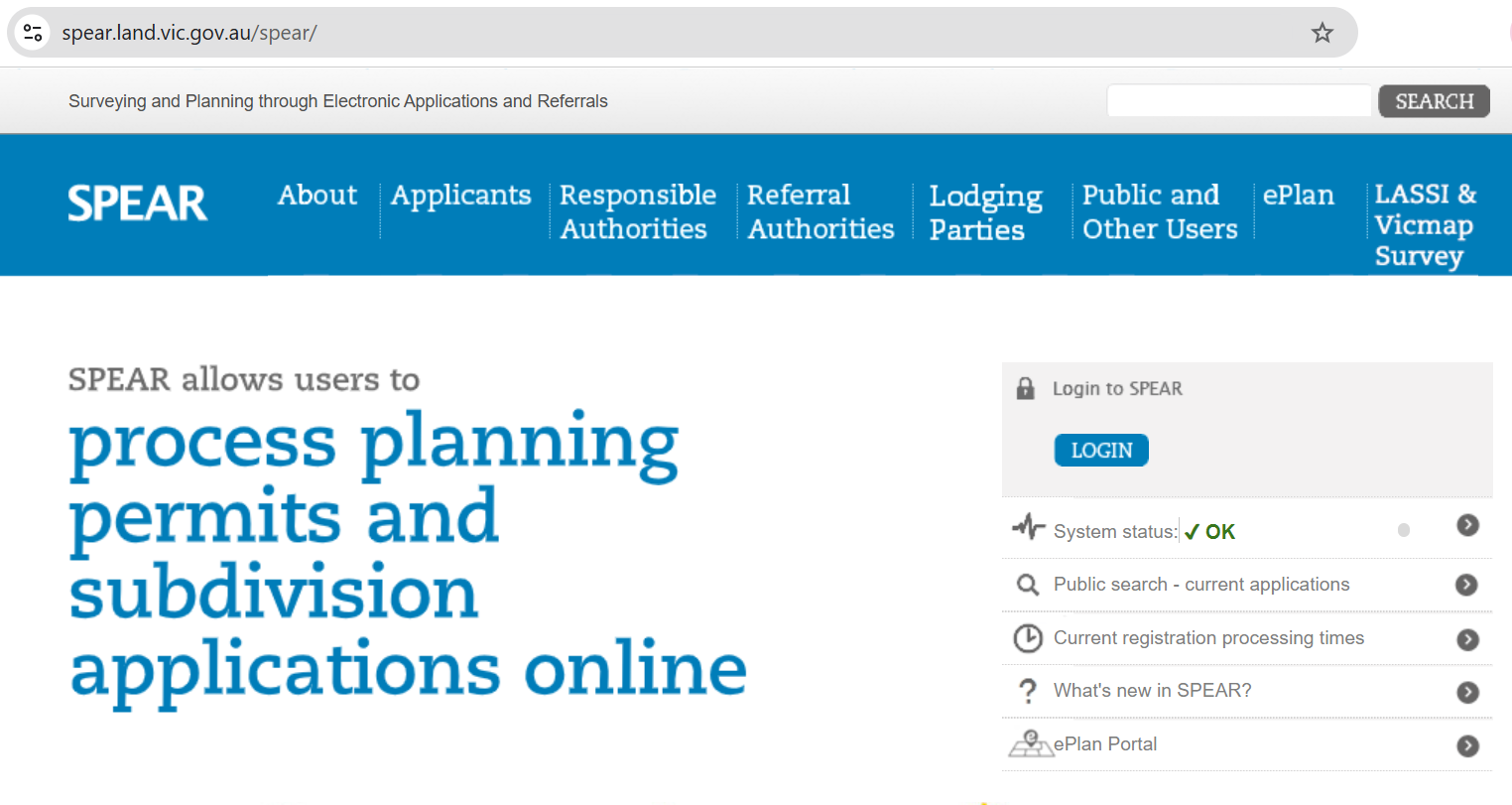
SPEAR (Surveying and Planning through Electronic Applications and Referrals) is Victoria’s online system used to manage subdivision and planning applications. It allows councils, surveyors, referral authorities and Land Use Victoria to review documents, request changes, approve steps, and track progress all in one place.
How to Speed Up the Subdivision Process
Subdivisions can take time, but staying active in SPEAR and responding promptly can help keep things moving smoothly. Your subdivision application is available online through SPEAR.
Farren Land Surveys will provide:
- The plan of subdivision showing new lots and boundaries
- Lodge the application with Council
- Make plan alterations as requested by authorities
- Site field surveying, including data collection, measurement and verification, within scope of the project requirements
- Mark the new boundaries
- Deliver required surveying documentation, forms, and compliance reports
It is up to you to complete the council and utilities requirements. If you make sure to check SPEAR regularly and keep on top of these tasks, the whole process can take a significantly shorter amount of time. See below on how to navigate this task.
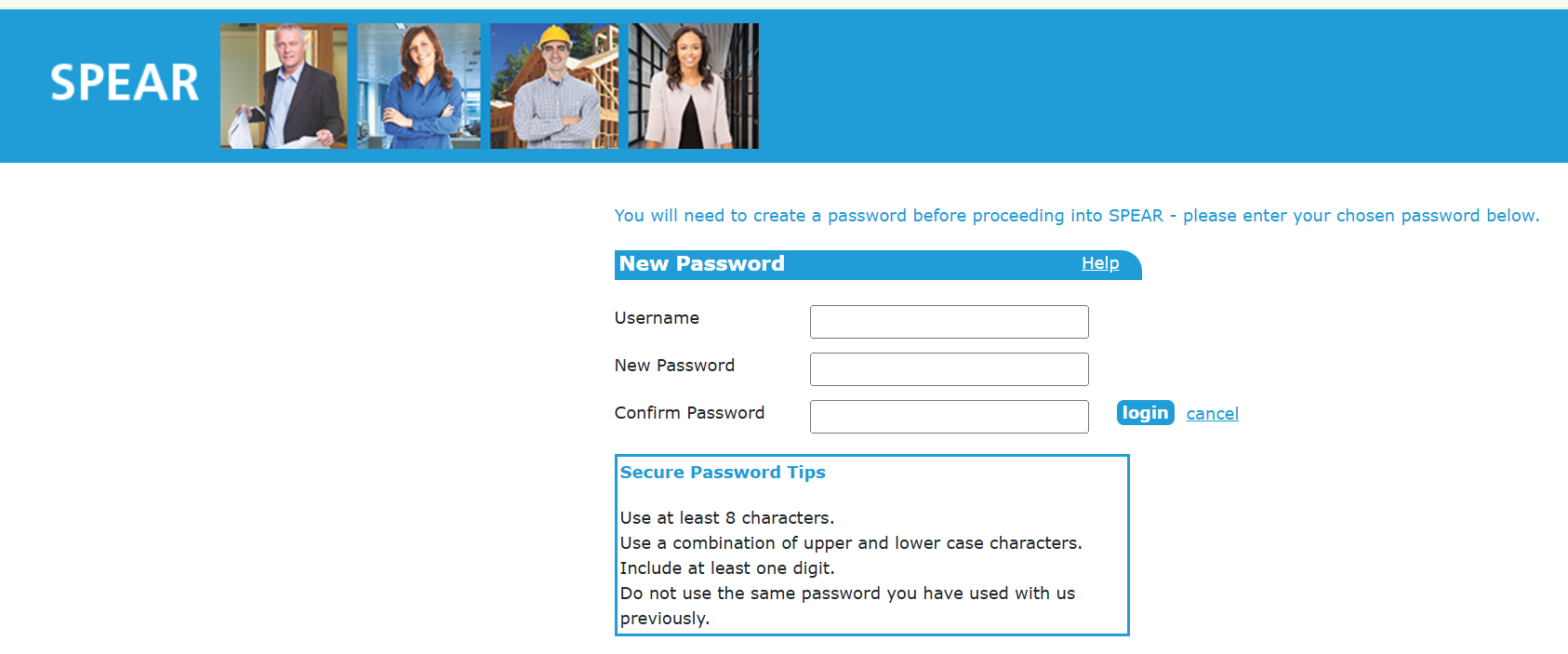
Activate Your SPEAR Account
Start by activating the SPEAR link we provide. Once connected to your application, you can view your application and access all documents. The Summary tab shows actions and milestones. Milestones show the key steps and provide an overview of the process.
Step A
The first step is to have the application accepted by Council so that the application is referred to the authorities and the planning permit phase is underway. You will need to pay the Council fee. In SPEAR, click on your property address, go to the Details tab, and you will see actions with a red arrow pointing to a drop-down menu. Select “Pay fee to responsible authority” and process your payment.
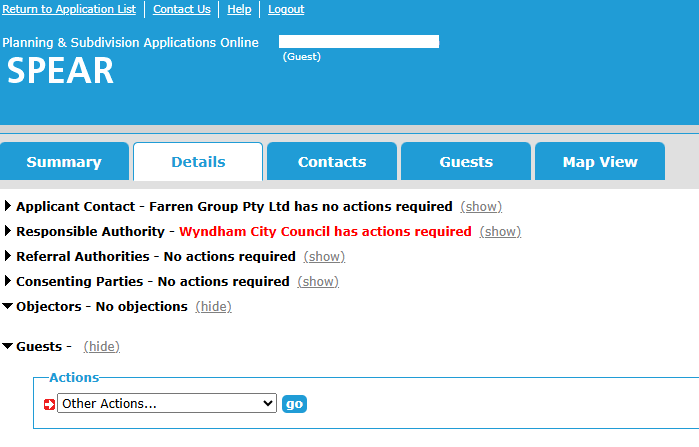
(If this option is not available, the Council financial system cannot be linked to SPEAR and an invoice will be uploaded to SPEAR for payment. Keep checking SPEAR for this document and pay when it becomes available. You will find it in the Responsible Authority – Council section. When paid, send an email to Council with confirmation. Their contact email can be found in the Contacts tab. It is helpful to advise the subdivision department that payment has been made. The sooner this is done, the sooner the application is referred.)
Step B
The second step: all permit conditions must be satisfied. Once Council issues the planning permit, you will have a clear understanding of their requirements to take a more proactive role in completing the subdivision conditions. Council may take up to 60 days to issue the permit, but once its available, review the planning permit conditions carefully, download a copy for your records, and begin working through them.
Council will also have provided a conditions list; download this as well and read both documents. The conditions list cross-references the planning permit and is a very helpful guide outlining what needs to be completed. Council often provides useful notes on how to complete each task; it may also include contact details for arranging compliance inspections. It's a valuable tool, work though this checklist. The permit and conditions list can be found in the Details tab (see explanation below).
Note: If the planning permit requires additional specialist reports, such as a landscape assessment, telecommunications and solicitors, we have compiled a list of professionals who have previously assisted us in preparing a wide range of reports. Click here to find the list and their contact details.
Details Tab
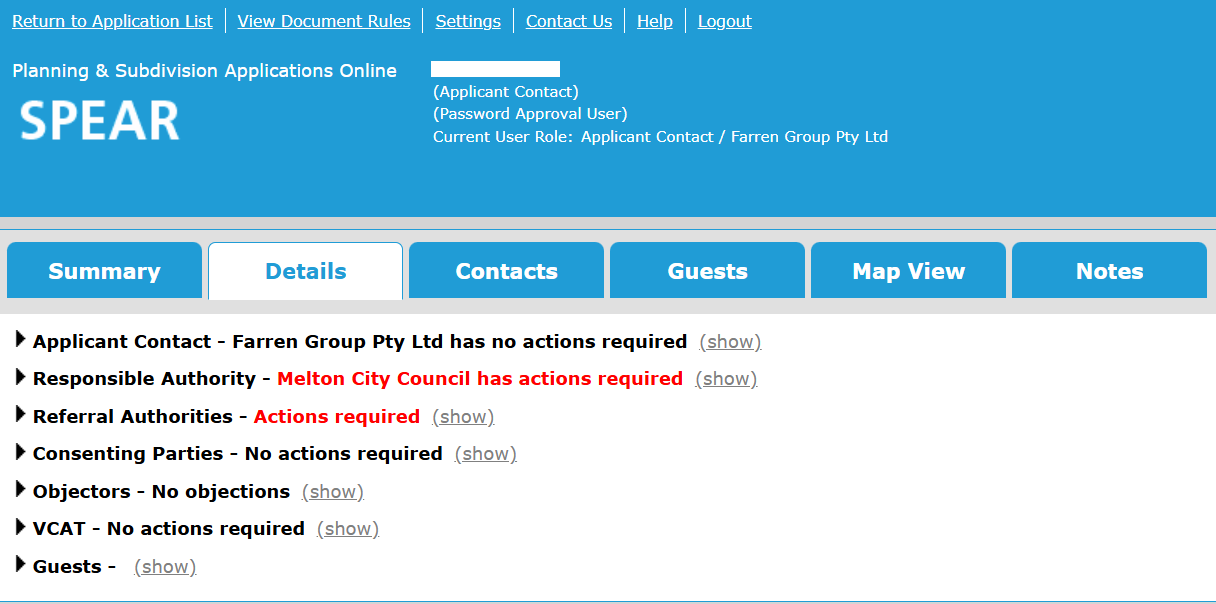
Under the details tab, there are Surveyor, Council, and Utilities areas. There are many useful documents that you may need on this page.
In the Surveyor area (“Applicant Contact”), you can find and download the plan of subdivision or title. You may need to download these to provide to contractors or include in authority applications.
In the Council area (“Responsible Authority”), you can download the planning permit and conditions list. This is a very helpful guide outlining what needs to be done, with some hints on how to complete tasks. Council will mark items “Yes” once they are satisfactorily completed.
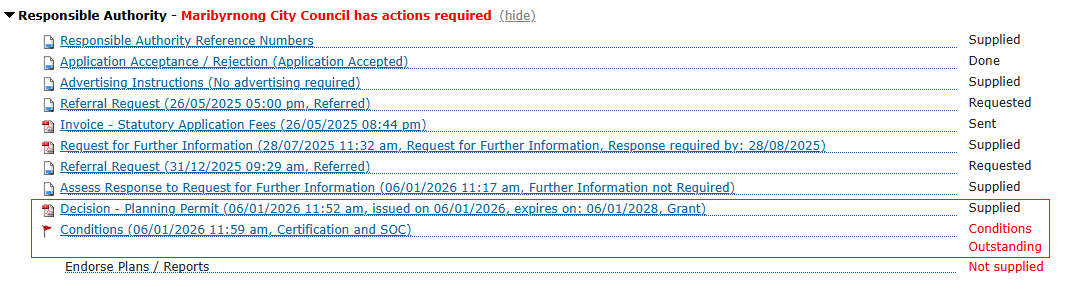
In the Utilities area (“Referral Authorities”) are service providers such as power, water, and gas. Their letters outline required works and approvals. It has the latest correspondence letter from the utility companies advising what needs to be done by you to gain their compliance. Download this document see what is required to gain compliance.
Follow Up on Red Items – Action Required by You
Any text shown in red indicates an outstanding task and means action is required by you, unless it appears in the surveying area (“Applicant Contact”).
If the red item relates to council, open the conditions and see what needs to be completed. Look at the requirements council are looking for and their instructions on how to complete item/condition. A permit or inspection may be needed. If you believe this is completed on site but the Council have not provided a YES then follow this up with the relevant department.
If the red item relates to utilities (such as power, water, or gas), review the relevant authority’s letter and follow up directly with that authority. Their letters outline what is required for compliance and include contact details if clarification is needed.
Following Up on Statements of Compliance
If you believe a task has been completed but it is still showing red in SPEAR, follow up with the party responsible for that item. Council items should be followed up with Council, and utilities items should be followed up with the relevant service authority. Contact details can be found in the letters uploaded to SPEAR or in the Contacts tab.
Email Template
Below is a template for a clear, concise email you could copy and use if necessary:
Subject: Authority Ref No. – Subdivision Address – Please issue Statement of Compliance update
Good morning,
Reference number: [insert reference number]
Property address: [insert address]
The required works for this subdivision have now been completed on site.
Could you please update this application in SPEAR, or let us know if there are any outstanding items needed to achieve compliance?
Thank you for your assistance.
Kind regards,
[Your full name]
[Phone number, if you wish]